Take Control of Your Marketing Tags Without Developer Bottlenecks
Google Tag Manager puts you in control of your tracking and marketing tags. Deploy, update, and manage tags through a simple interface, without waiting for developer resources or code releases.
But GTM is more than a tag container. It's a tool for fixing tracking issues, testing changes safely, and solving problems that would otherwise require development time.
DATA HIT implements GTM properly from the start, giving your team the flexibility to move fast while keeping your data accurate.
The Problem: Tag Management Shouldn't Require a Developer
Every new tracking pixel, analytics update, or conversion tag means a ticket to development. Changes get queued behind product work, releases get delayed, and by the time tags go live, the campaign has moved on.
Meanwhile, tags added directly to your site accumulate without documentation, slow page performance, and create data quality issues that are hard to trace.
The Solution: Centralised Tag Management Done Right
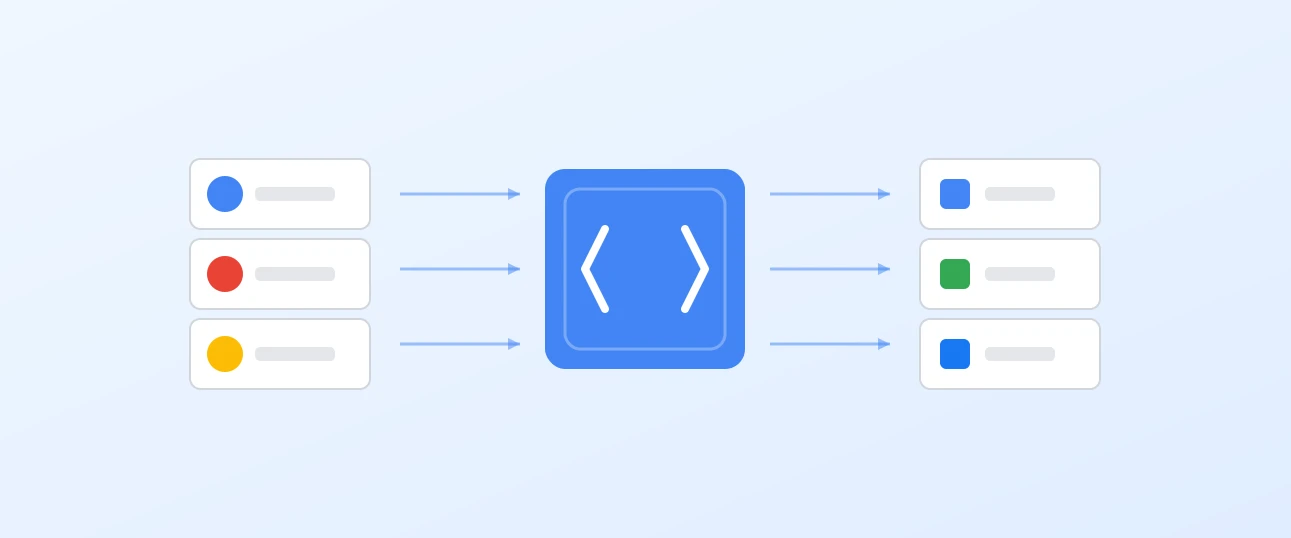
GTM gives you a single container for all your tags, with version control, preview mode, and the ability to deploy changes instantly. Marketing can move at campaign speed while maintaining proper governance.
With proper implementation, GTM becomes the foundation for accurate tracking, faster deployment, and cleaner code.
What I Can Help With
Whether you need a fresh implementation, a container cleanup, or ongoing support, I can help with:
- Analytics tracking for GA4, including enhanced ecommerce and custom events
- Advertising platforms including Google Ads, Meta, LinkedIn, Pinterest, TikTok, and affiliate networks
- Consent integration with platforms like Cookiebot, OneTrust, and custom consent solutions
- Container audits to clean up legacy setups, remove redundant tags, and fix broken tracking
- DataLayer design and implementation for consistent, reliable data across all your tags
- Troubleshooting and debugging when tracking isn't working as expected
- Server-side GTM for improved data control, ad blocker resilience, and privacy compliance
Benefits
Deploy Tags Without Developers
Add or update tracking pixels, conversion tags, and analytics in minutes. No code releases required, no waiting in the backlog.
Version Control and Rollback
Every change is versioned. If something breaks, roll back instantly. Full audit trail of who changed what and when.
Preview Before Publishing
Test tags in debug mode before they go live. See exactly what fires, when it fires, and what data it sends.
Improved Site Performance
Consolidate tags into a single container with built-in controls for load timing. Remove the bloat of multiple scripts scattered across your codebase.
DataLayer Integration
The dataLayer is what transforms GTM from a simple tag injector into a powerful data platform. It's a structured way to pass information from your website to GTM, making that data available to any tag that needs it.
Why it matters
Without a dataLayer, tags rely on scraping information from the page, which is fragile and breaks when designs change. With a properly implemented dataLayer, your tracking becomes resilient and your data consistent.
What it enables
A well-designed dataLayer captures the information that matters to your business: product details, transaction values, user attributes, form interactions, and custom events. This data flows cleanly to GA4, Google Ads, Meta, and any other platform you use, all from a single source of truth.
Our approach
DATA HIT designs dataLayer schemas tailored to your business, documents them clearly, and works with your development team to implement them properly. The result is tracking you can trust and extend as your needs grow.
Part of the Bigger Picture
GTM sits at the heart of most tracking projects. It connects to the rest of your measurement stack and often works alongside other services:
Whether you need a standalone GTM implementation or it's part of a wider analytics project, I'll make sure it's set up properly and working with your other tools.
Frequently Asked Questions
Do I need GTM if I only use Google Analytics?
GTM makes GA4 implementation more flexible and maintainable, but it's not strictly required for basic setups. GTM becomes valuable when you have multiple tags, need event tracking, or want your marketing team to make changes independently.
What's the difference between web and server-side GTM?
Web GTM runs in the browser and handles most standard tag management needs. Server-side GTM runs on your own infrastructure and offers advantages for data control, ad blocker resilience, and privacy compliance. Many businesses use both.
My current GTM container is a mess. Can you help?
Yes. Container audits and cleanups are a common starting point. I'll review what's there, remove what's redundant, fix what's broken, and document what remains so your team can manage it confidently going forward.
What does implementation involve?
Implementation includes container setup, dataLayer design, migrating existing tags, configuring triggers and variables, and testing. I also provide documentation and training so your team can manage tags confidently. Typical timelines are 1-3 weeks depending on complexity.
Ready to Take Control of Your Tags?
Stop waiting on developers for every tracking change. Book a discovery call to discuss how GTM can give your team the flexibility they need.